Paper, meet PDF.
Scan receipts, notes and documents. Correct edges and bring multiple pages together.
✳A little less paperwork. A lot more possibility.
From the first scan to the final signature. Read, mark up, sign and organize your documents in one thoughtfully simple app.
Download links coming soon. Free app with optional Pro.
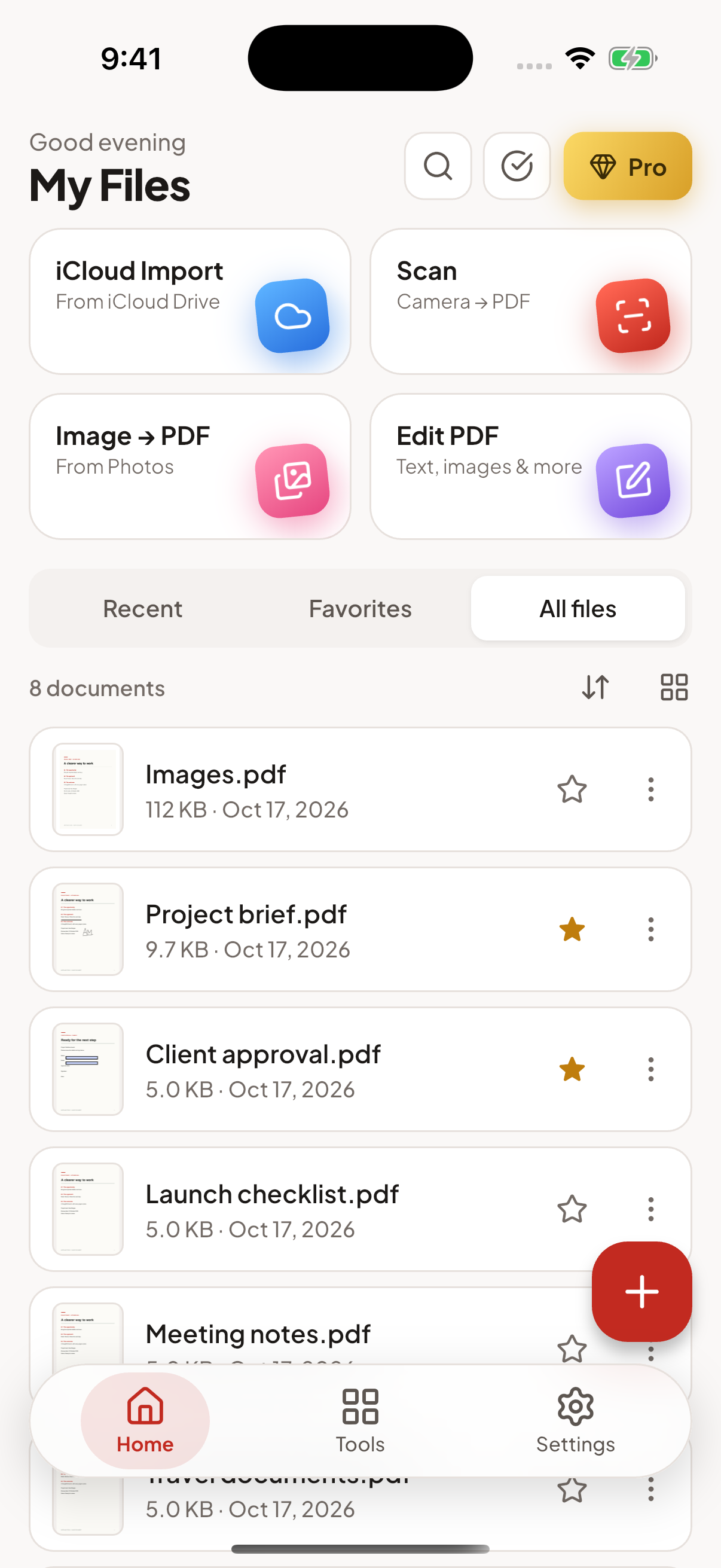
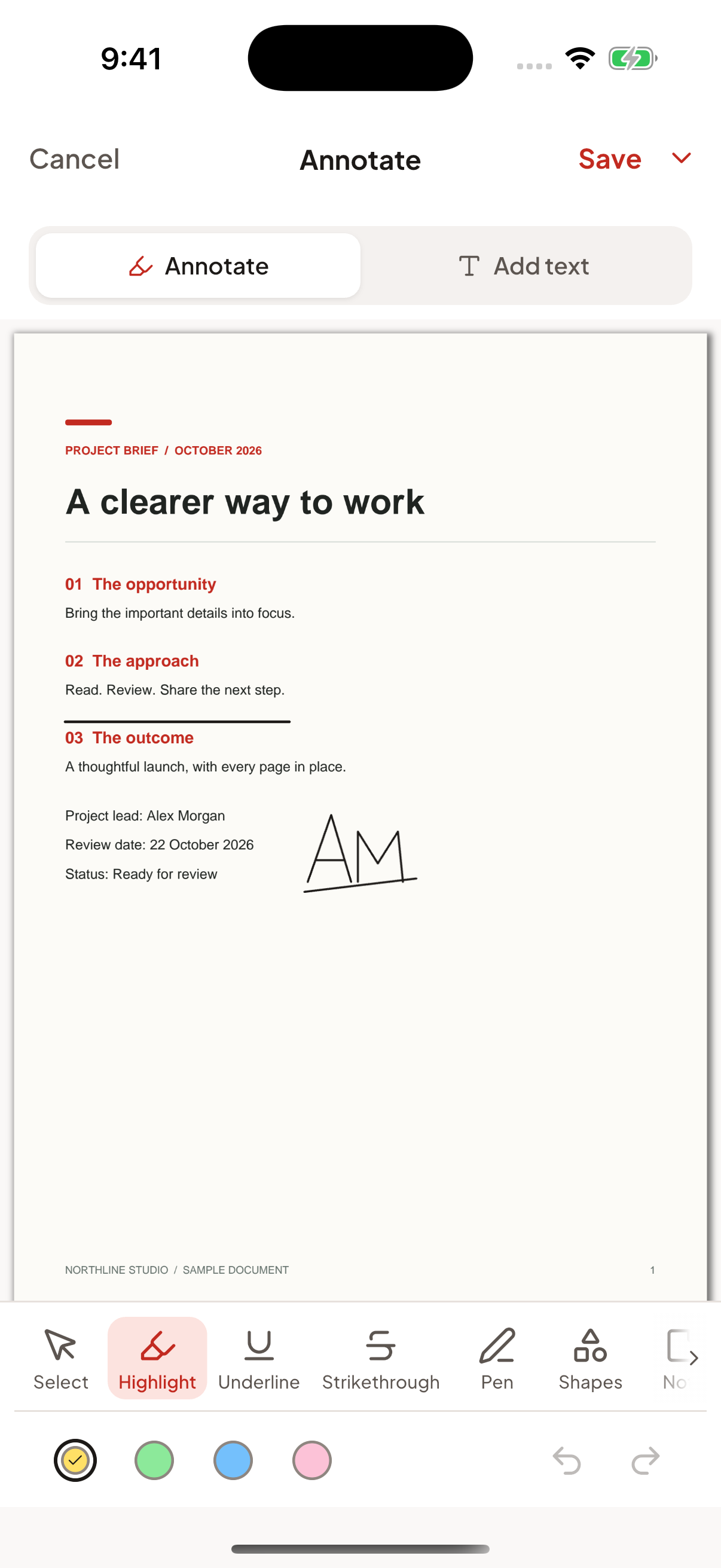
Actual app screens · illustrative sample documents
ONE APP. EVERY CHAPTER.
The tools you need, right where you need them. Keep the whole workflow in your pocket.
THE REST OF YOUR TOOLKIT
Scan receipts, notes and documents. Correct edges and bring multiple pages together.
Use on-device OCR to turn scanned pages into searchable PDFs. Language support varies.
Turn images into PDFs and PDFs into images. Office conversion uses a cloud service when available.
Password-protect a PDF or lock the app with your device’s supported biometrics. Pro may be required.
YOUR DOCUMENTS. YOUR SPACE.
Your file library lives on your device. Reading, annotation, signing and page organization can happen offline, without creating an app account.
The free version includes ads. When enabled and permitted, third-party services process purchase, usage, advertising and attribution data. Cloud conversion sends the selected document to a provider after your consent.
LESS FRICTION. MORE FLOW.
Your next document is waiting. Take PDF Expert with you.
iPhone & iPad · iOS 15.5+ / Android · See Google Play for device compatibility
Download links are on their way. Check back soon.
A FEW GOOD QUESTIONS
PDF Expert is free to download. Reading and basic file management are free. Some tools have daily free limits; advanced tools require Pro. The free version includes ads, while Pro removes them. Current plans, trial eligibility and prices are shown in the app before purchase.
Yes, core document tools such as reading, annotation, signing and page organization work on your device. Cloud-drive downloads, purchases and Office conversion require an internet connection. Some scanner or OCR components may need an initial download.
Yes. PDF Expert supports iPhone, iPad and compatible Android phones and tablets. The app adapts to larger screens, including a two-pane workspace where supported. Check your device’s store listing for compatibility.
You can add and arrange text boxes, images, shapes and other overlays. PDF Expert does not promise word-processor-style reflow of existing PDF text. Feature availability and Pro requirements are explained in the app.
Manage or cancel in the Apple App Store or Google Play account used to subscribe. Subscriptions renew automatically unless cancelled under the store’s rules; uninstalling the app does not cancel a subscription. You can restore eligible purchases in the app. See Terms & Conditions for more details. Terms & Conditions
Write to contactus@caractiv.com with your device model, app version and a description of the issue. Please avoid emailing sensitive documents unless you have agreed a suitable way to share them with us. Contact us ↗